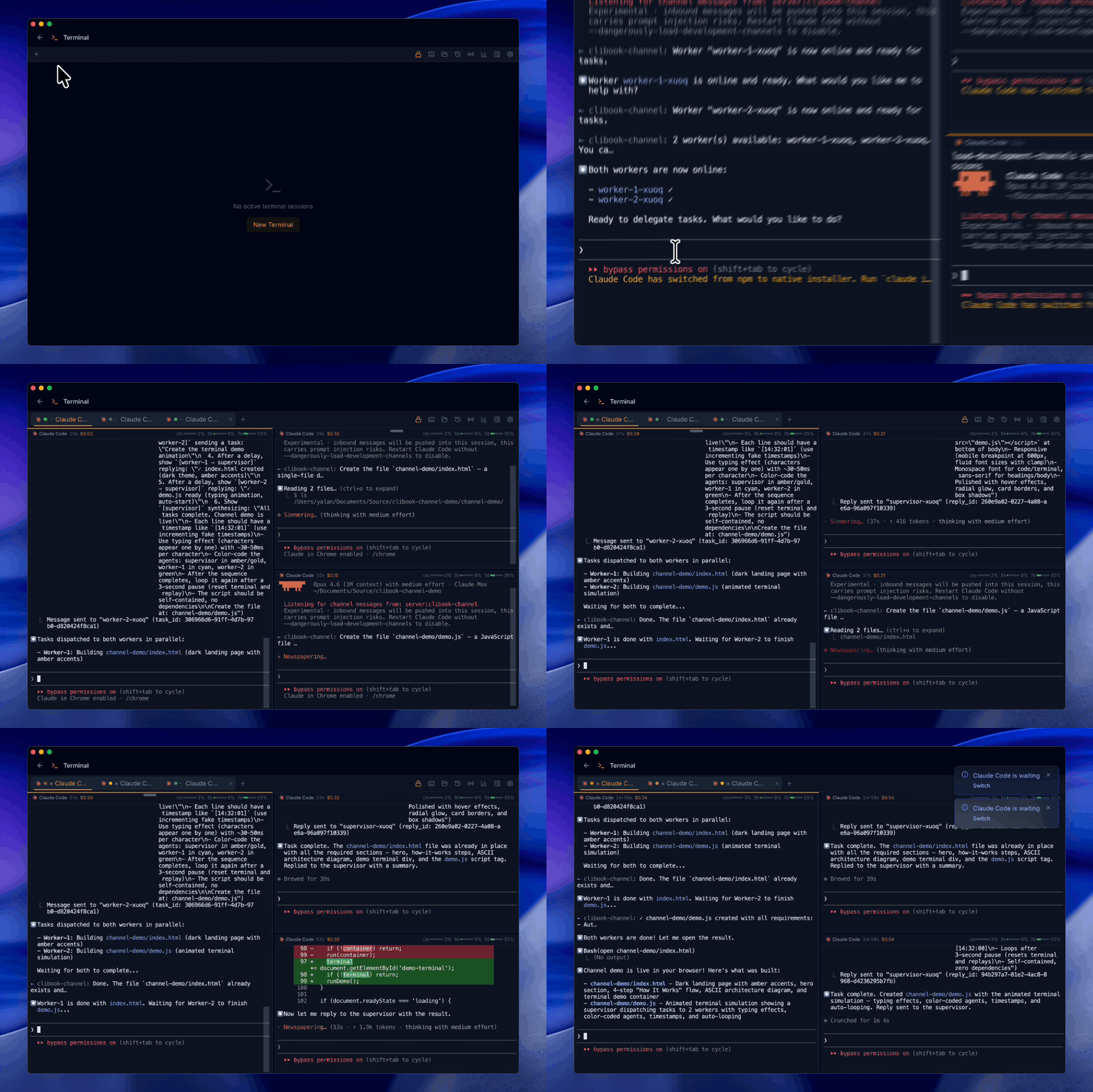
Reliability fix for launching agents in large projects.
Bug Fixes
•Agent launches in large projects — fixed an issue where launching Claude Code or Codex on very large projects could fail to open or cause the app to become unresponsive
Pixel Buddy — your Claude Code /buddy companion comes to life as a customizable pixel art pet, plus natural language schedule management.
New Features
•Pixel Buddy — your Claude Code /buddy companion appears as a pixel art pet that roams your terminal. 18 species, 5 rarity tiers with glow effects, drag-and-drop with gravity physics, and reactive behavior that responds to your coding activity. Auto-syncs your buddy's species and name from Claude Code.
•Buddy Accessories — dress up your pixel buddy with 40+ accessories across 5 categories: 16 hats, 3 eyewear styles, 3 neck/body items, 6 held items, and 12 animated particle effects including sparkles, flames, cherry blossoms, and rainbow. Customize everything in a live-preview dialog.
•Schedule Chat — manage your scheduled commands using natural language. Type what you want in plain English (or any supported language) and the AI creates, updates, or deletes schedules for you.
Channel role templates — assign specialized roles to each agent for better multi-agent collaboration.
New Features
•Channel role templates — assign each worker a specific role (Coder, Reviewer, QA) when creating a channel layout. Choose from 4 built-in templates or create your own
•Role prompt files — point to a .md file as a role description, so you can version-control and share role definitions across your team
•Current task display — the Channel Panel now shows what task each agent is currently working on
•Custom template saving — save your role configurations as reusable templates for future channel layouts
Improvements
•Agent capabilities updated — Codex CLI and Gemini CLI now correctly show MCP support, and Gemini's auto-approve flag is fixed
Multi-language support with 8 languages, plus Git panel and UI improvements.
New Features
•Multi-language support — the entire interface is now available in 8 languages: English, 繁體中文, 简体中文, 日本語, 한국어, Español, Français, and Deutsch. Change your language in Settings → General
•AI language preference — AI explanations and suggestions now respect your chosen language, so responses come back in the language you prefer
Improvements
•Git panel file listing — untracked directories now show individual files instead of just the folder name, with clear sections for staged, modified, and untracked files
•Snippet editor layout — the detail panel no longer overflows when the window is narrow; header buttons stay visible at all times
Spec Verification: write what you want, let the agent build it, then verify the results automatically.
New Features
•Spec Verification — a new sidebar panel for spec-driven development. Write your requirements, send them to the agent, then auto-verify the results with a scored checklist. Includes AI-powered spec optimizer, pre-built templates, one-click fix for unresolved items, multi-spec management with history, and manual status overrides
•Locate in Explorer — jump the file explorer directly to the terminal's current working directory
Improvements
•Sessions Tab Bar — sessions now display as horizontal tabs above the list for faster switching between recent sessions
•Sidebar Resize Guard — sidebar panel width auto-clamps when the window is resized, preventing it from covering the terminal
Tabbed sidebar replaces stacked panels, plus light mode polish.
New Features
•Tabbed Sidebar — side panels (Files, Sessions, Channel, Commands) now share a single panel area with an icon rail, so only one panel is visible at a time. No more terminal space getting crushed when multiple panels are open
•Icon Rail — a compact vertical strip on the right edge lets you switch between panels with one click. Active panel is highlighted in amber
•Panel State Memory — each panel remembers its width independently. Switching away and back preserves your editor tabs, scroll position, and file explorer state
Bug Fixes
•Light mode contrast — fixed markdown viewer code blocks, inline code, and sidebar borders that appeared with wrong colors in light mode
•Dropdown alignment — saved launch configs in the new-terminal dropdown are now properly left-aligned
Agent Sessions Explorer, schedule chaining with visual flow editor, and smarter agent integrations.
New Features
•Agent Sessions Explorer — browse all agent sessions across Claude Code, Copilot CLI, Codex CLI, Gemini CLI, and OpenCode in a side panel with impact summary, timeline, tool usage, and conversation view
•Agent version detection — automatically detect installed agent CLIs with version badges and capability tags in the Integrations panel
•Failure pattern matching — define text or regex patterns to catch failures even when a command exits with code 0, ideal for AI agent commands that don't use proper exit codes
•Schedule chaining — connect schedules so one triggers another on success or failure, creating automated pipelines
•Flow Editor — visual drag-and-drop workflow builder to design and manage schedule chains with an n8n-style canvas
•Flow templates — one-click setup for common workflows like Git Deploy, Database Backup, Health Monitor, and AI Pipeline
•Conditional execution — add a pre-check command that must pass before the main command runs, with automatic skip tracking
•Visual cron editor — interactive point-and-click cron builder with real-time preview of the next 5 scheduled runs
•Flow grouping in list view — schedules belonging to the same flow are visually grouped together with chain hierarchy indicators
Bug Fixes
•Live session accuracy — fixed incorrect live indicator showing on old sessions from the same project directory
•Terminal rendering — fixed garbled text when running certain CLI agents that use legacy charset shift sequences
•OpenCode compatibility — fixed scan errors on OpenCode databases with non-standard column names
•Copilot CLI cost tracking — fixed premium request count to use weighted model multipliers for accurate quota display